Nautilus
openmods.json (add-on-of, dependencies)
link
github.com/SubnauticaModding/NautilusNautilus, the Subnautica Modding API (formerly SMLHelper)
Nautilus: Subnautica Modding API


Contents
About
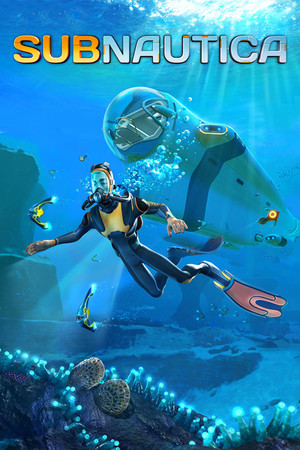
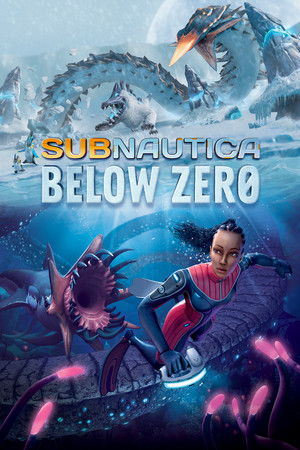
Nautilus is the core modding library for Subnautica and Subnautica: Below Zero. It offers many simple helpers and utilities for interacting with the game, allowing for easy implementation of content.
Some notable features and techniques that Nautilus allows for are:
- Adding new items, decorations, base modules, tools, and other prefabs
- Regstering custom biomes, spawning objects in the world
- In-game mod configuration in the Subnautica style
- Adding sounds and replacing existing audio
- Registering new story events: voice logs, PDA entries, story triggers, etc.
- Setting up materials and shaders as accurately as possible
- Registration utilities to help with making larger mods scaleable
This project is a continuation of SMLHelper with an improved codebase and maintainability. Nautilus offers all the features SML used to offer with a more robust implementation. Additionally, Nautilus took a different route for managing handlers to address many bugs and timing issues that were persistent in SML.
We hope to keep improving the modding experience in Subnautica to allow developers to create mods more easily and eliminate the implementation concerns in the mod-making process. For more information on Nautilus and its capabilities, please refer to our documentation.
⚠️ Nautilus will only receive continued support for the latest version of Subnautica
If you are using the latest version of Subnautica (post 2025 patch) or Below Zero, use the latest release of Nautilus
If you are using the
march_2023Steam branch, use Nautilus pre.41If you are using the
legacySteam branch, use SMLHelper
Installation
Download the Subnautica BepInEx Pack.
Extract/unzip the BepInEx x64 zip file to your game folder
Where is my Subnautica/game folder? (Click to expand)
- Steam:
C:\Program Files (x86)\Steam\steamapps\common\Subnautica - Epic Games:
C:\Program Files\Epic Games\Subnautica - Xbox PC:
C:\XboxGames\Subnautica\Content
Note: the above paths are the default locations, yours may vary
- Steam:
Download Nautilus from Nexus Mods or GitHub Releases
Extract/unzip the Nautilus zip file to your
Subnautica\BepInExfolderConfirm your
Subnautica\BepInEx\pluginsnow looks like this:If it doesn't look like this, try figuring out where your Nautilus folder has gone, and move it into the plugins folder

Launch the game, and enjoy! (a good way to confirm Nautilus has loaded is to check the game Options for a
Modstab)
If you have any trouble installing the mod, please join our Discord server, and explain whats going on in a help and support channel.
Links
Nautilus Documentation (source) - API docs, guides for getting started, and detailed tutorials
Development Setup Guide - Start here for your first mod
Updating to Nautilus from SMLHelper - For updating older mods
Subnautica Modding Discord Server - The best place to discuss making mods for Subnautica
Contributors
To everyone who has taken the time to contribute to Nautilus and/or SMLHelper, we cannot thank you enough!
Contributing
We welcome all kinds of contributions; simply ensure you have read through our Contribution Guidelines before submitting a pull request.
If you are not capable of writing code, but have feature ideas or bug reports, feel free to submit an issue instead.
Join the conversation
Log in to join the conversation
Connect with GitHub to post comments and react.
No comments yet — be the first to share your thoughts.
Versions
View AllProject Metadata
187
301