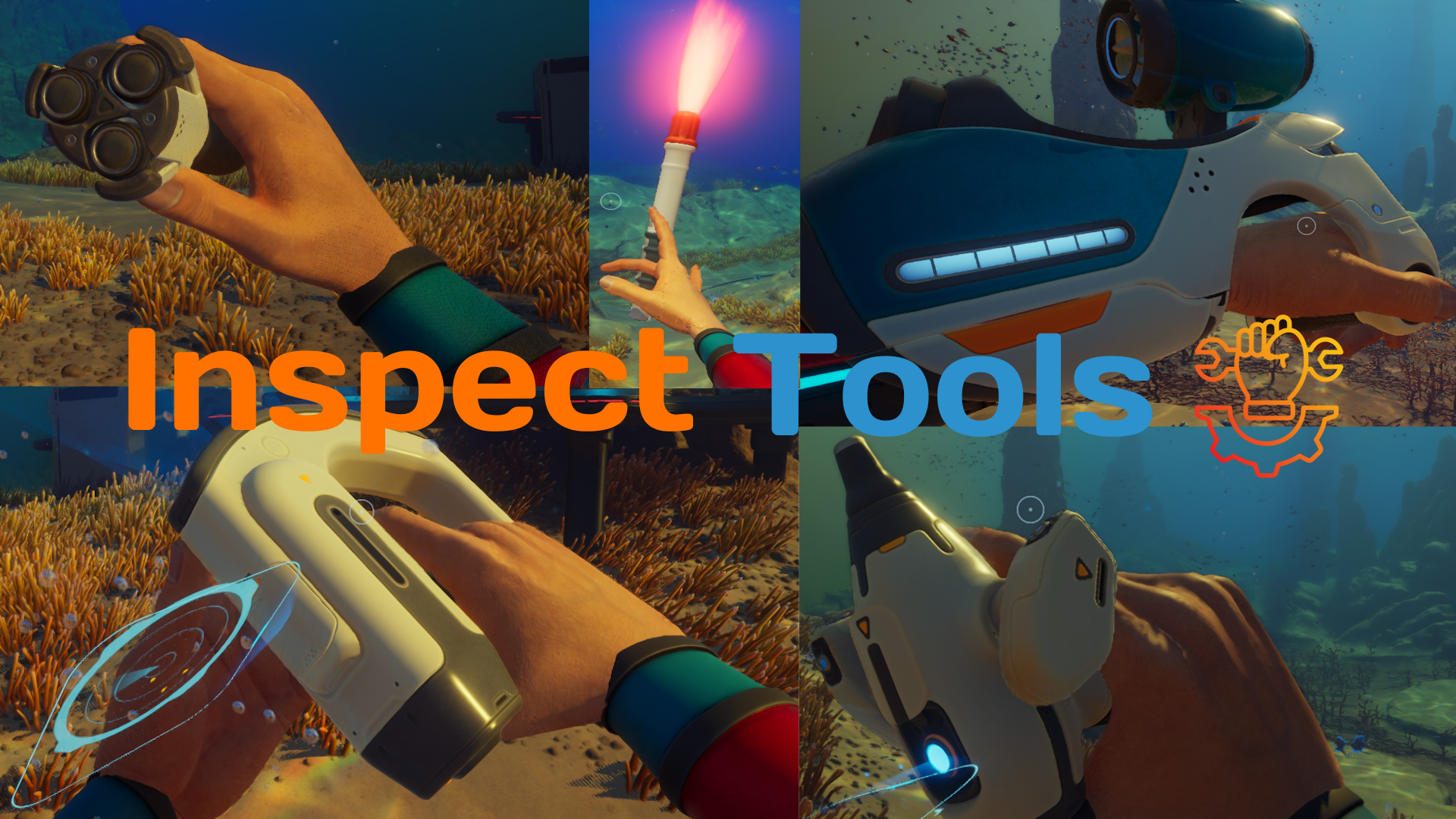
Inspect Tools
openmods.json (add-on-of, dependencies)
link
github.com/LabrynthKing/InspectToolsAllows You To Replay The First-Equip Animations Of Each Tool In Subnautica 2 With The Press Of A Single Key!
group Developer Links
collections Gallery
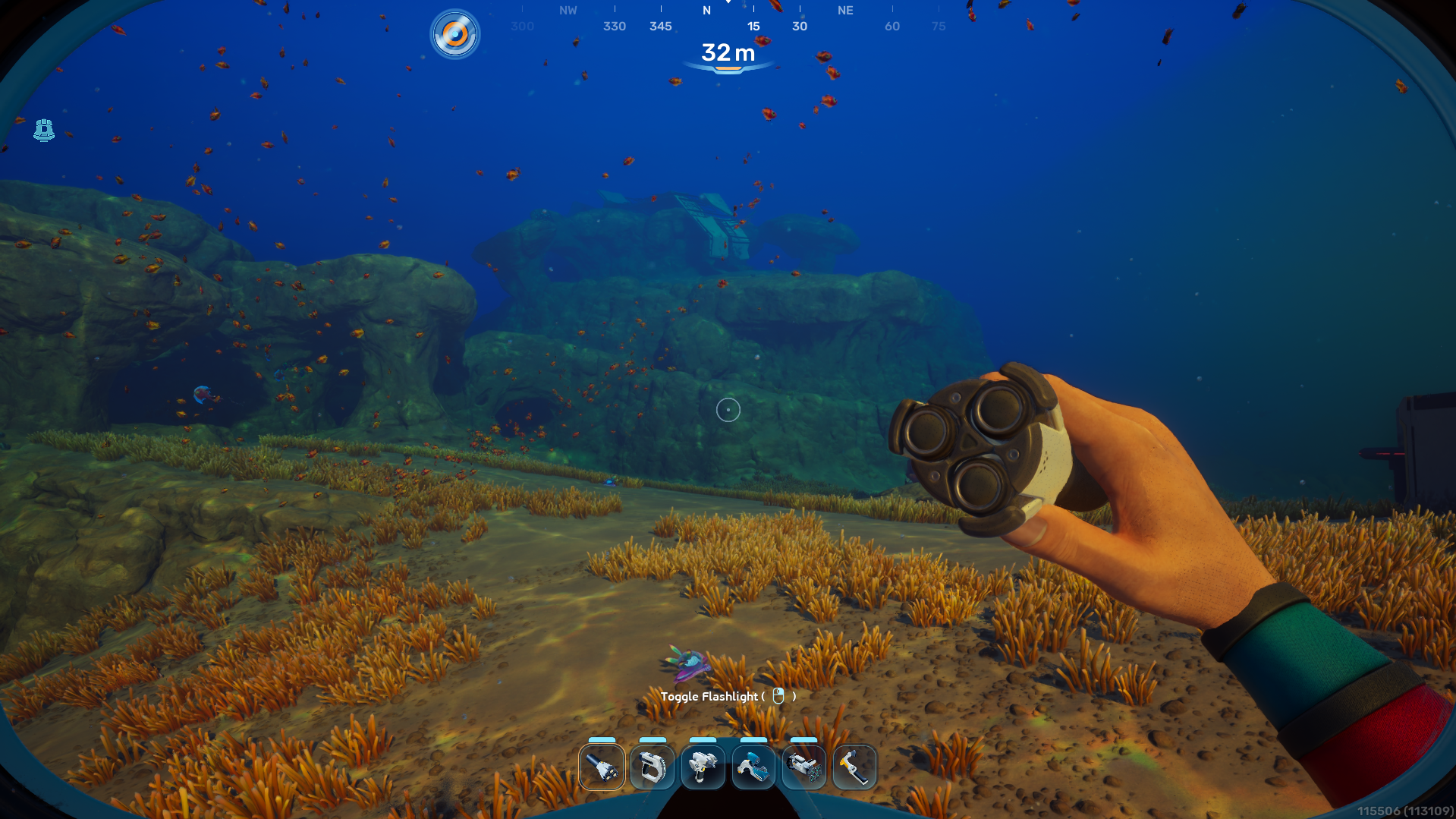
Example 1:-
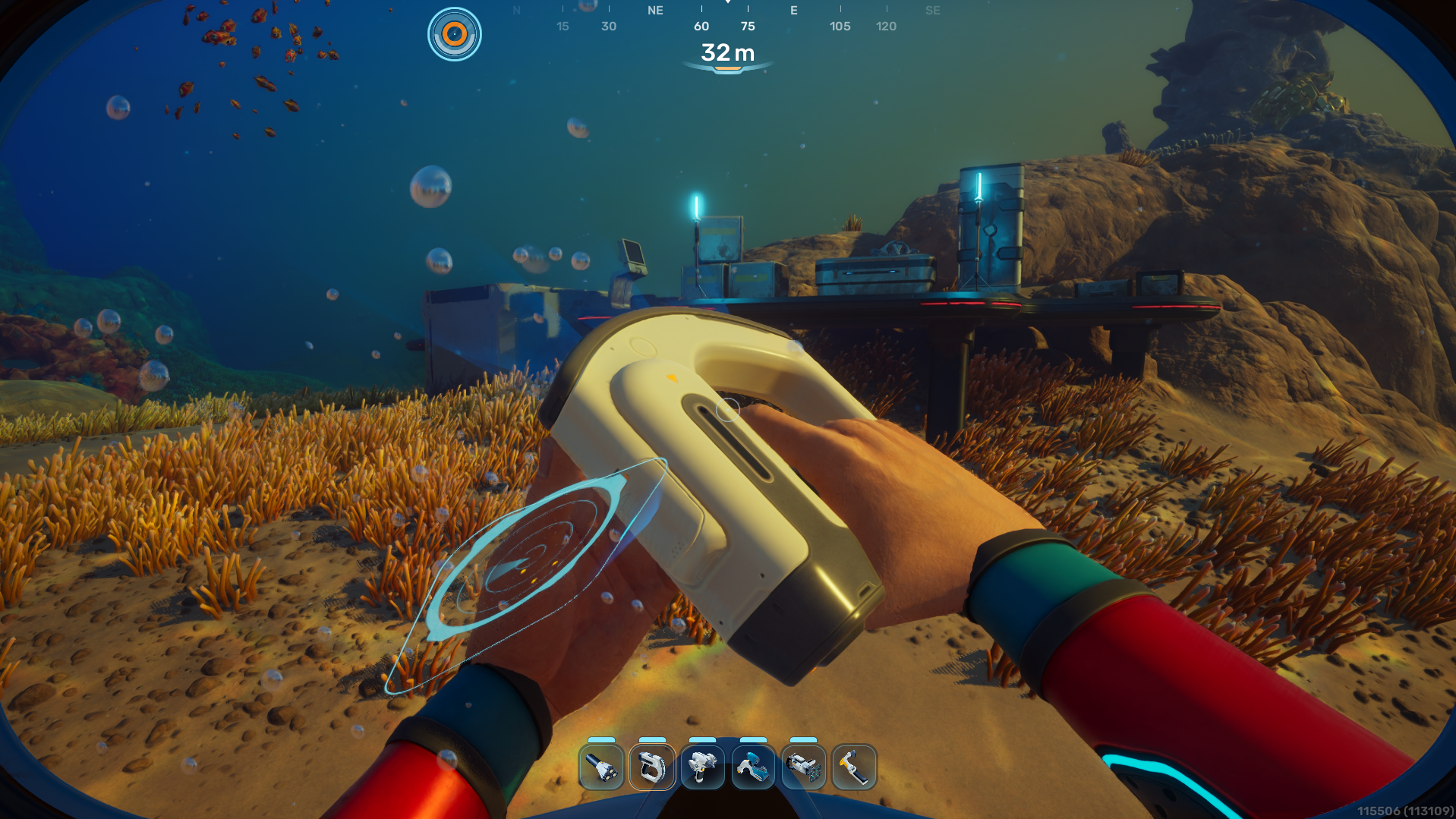
Example 2:-
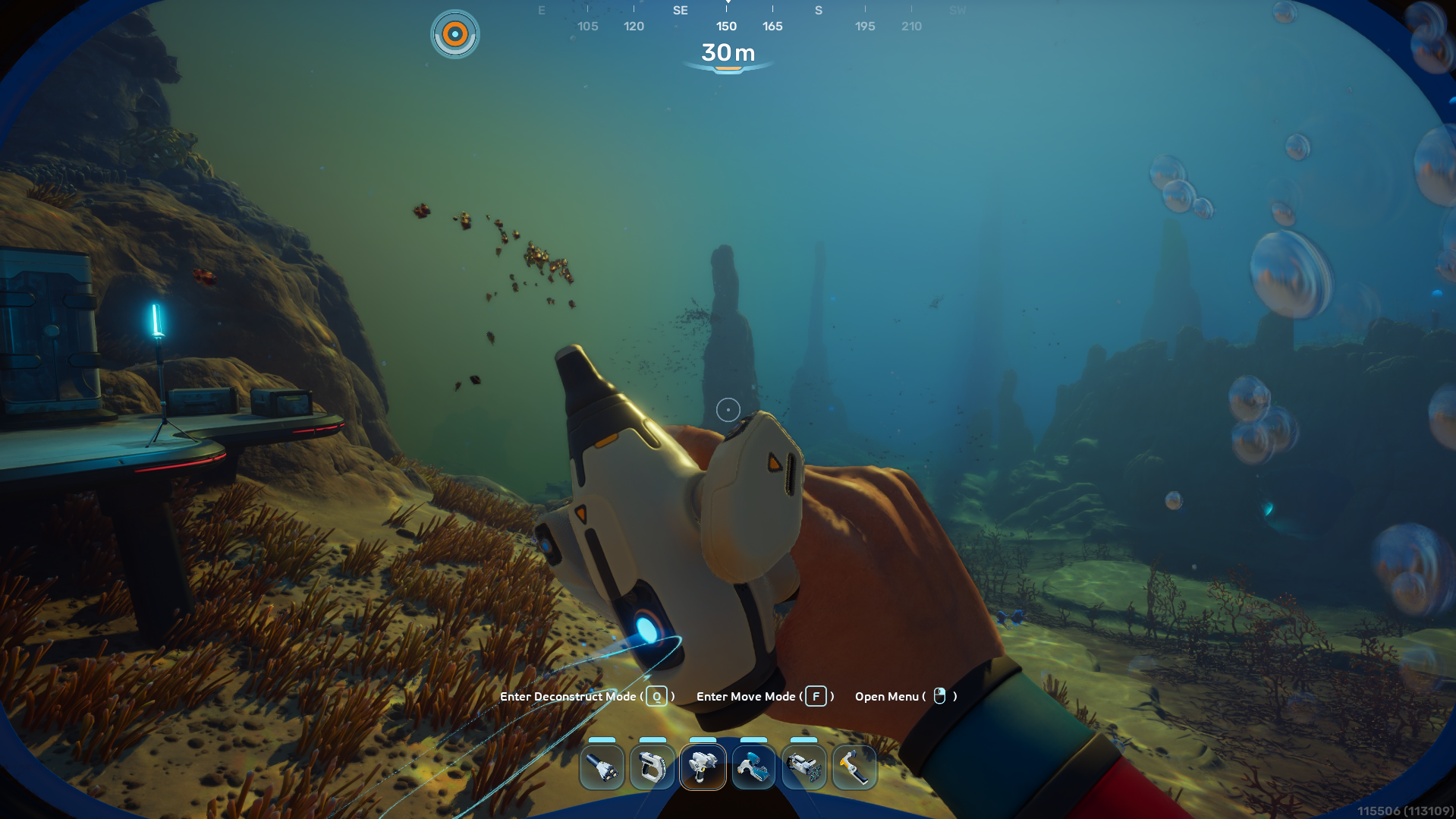
Example 3:-
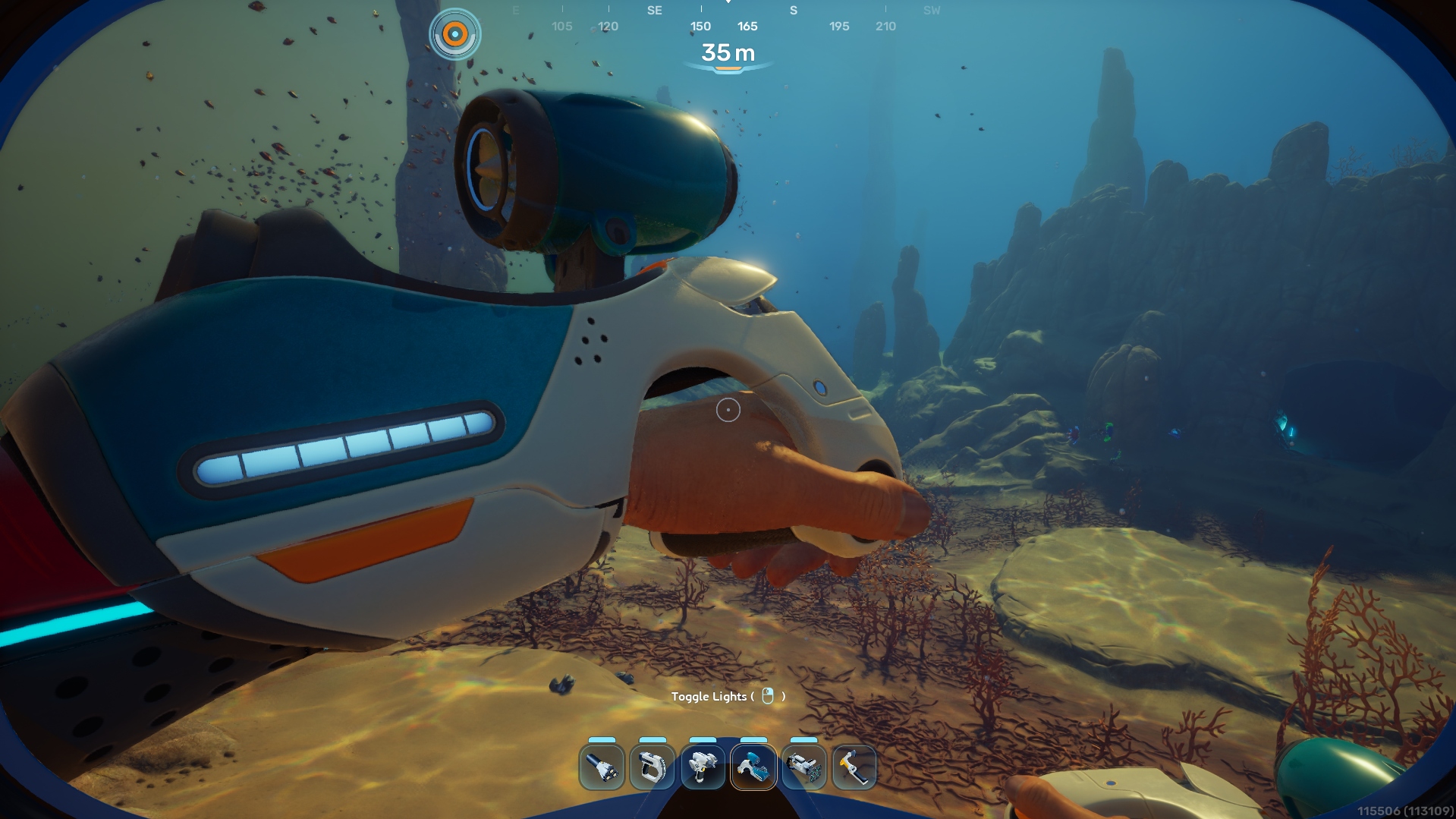
Example 4:-
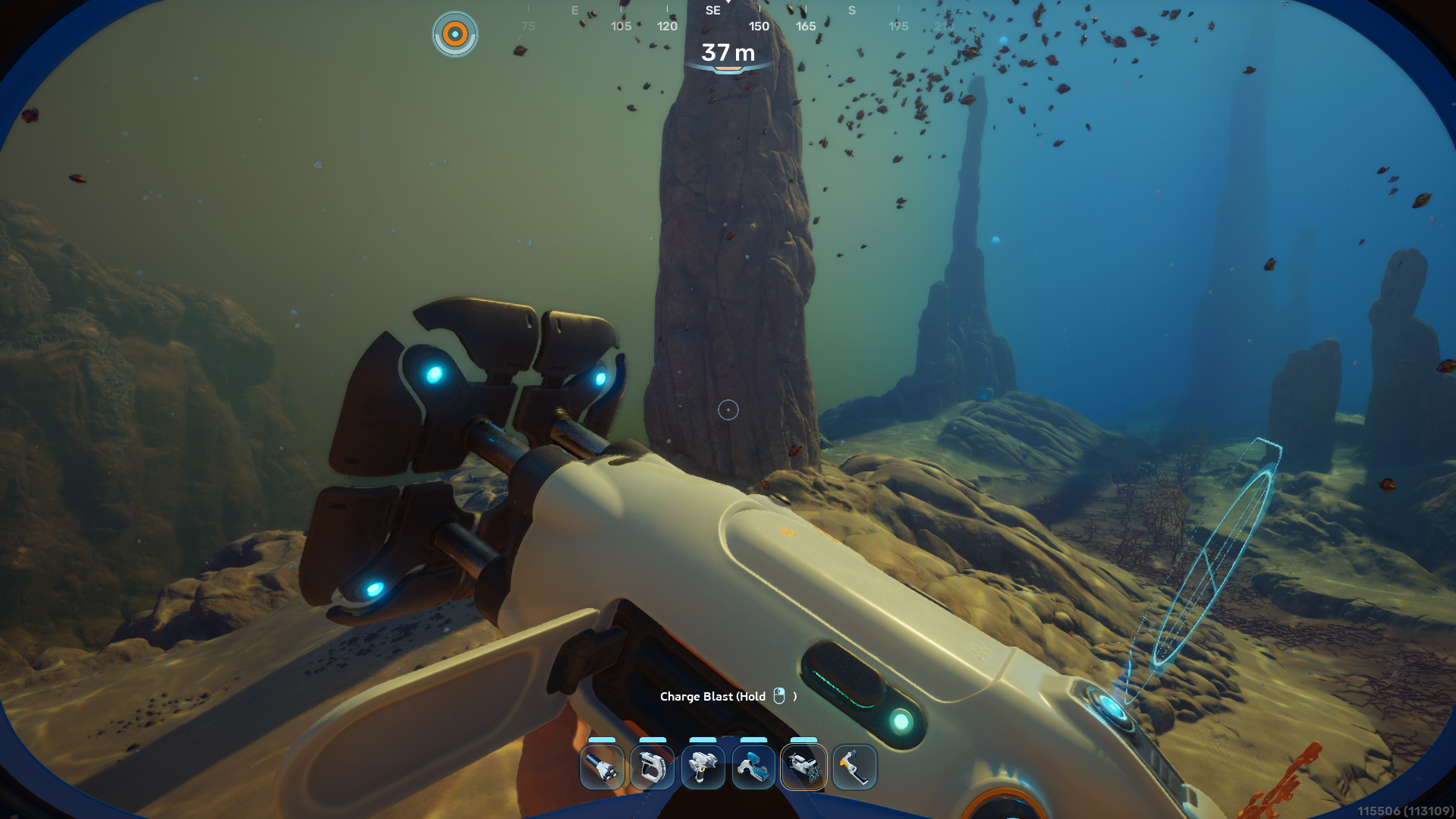
Example 5:-
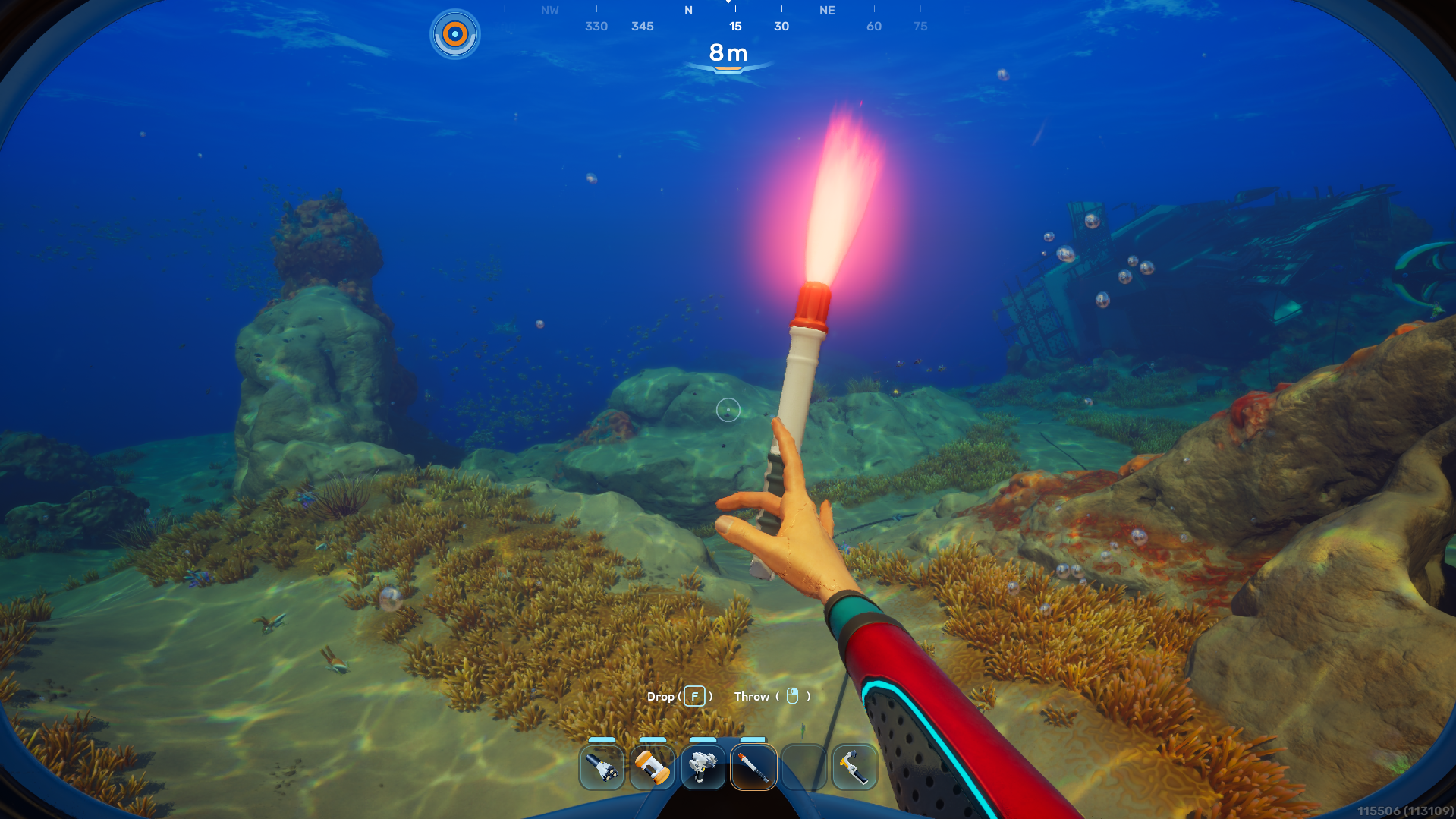
Example 6:-
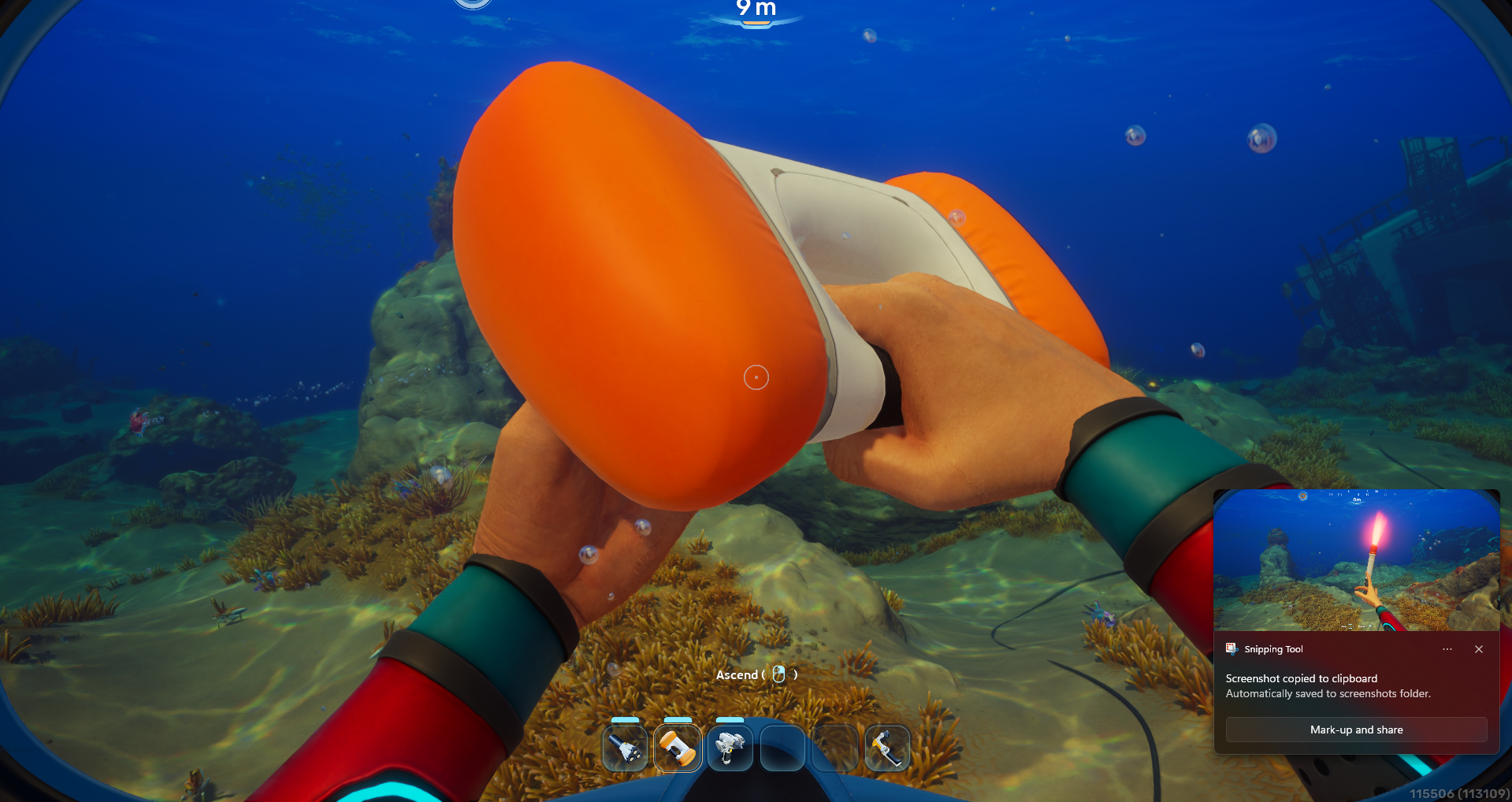
Example 7:-
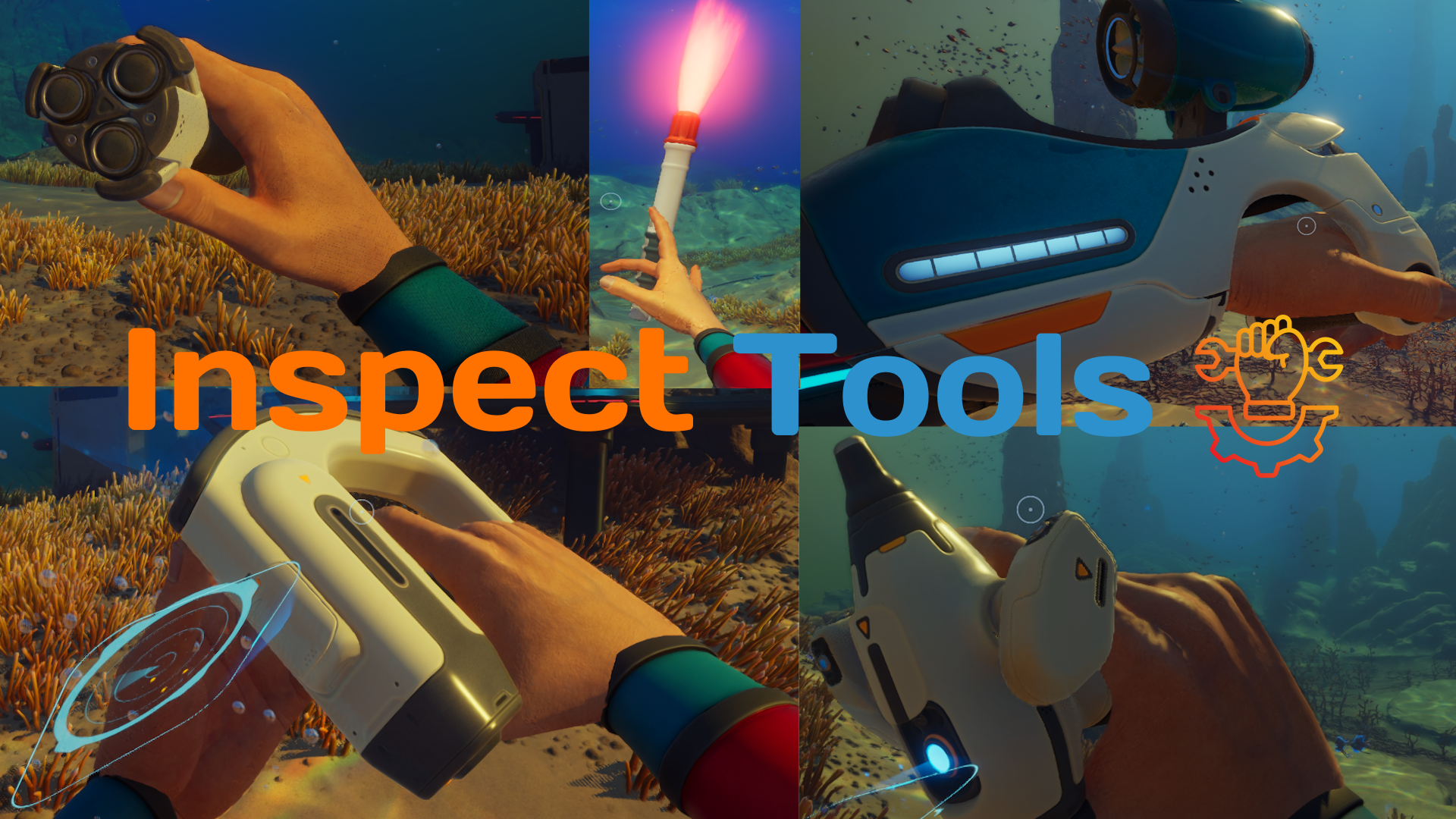
Inspect Tools
Allows You To Replay The First-Equip Animations Of Each Tool With The Press Of A Single Key!
Features:-
- All Tools Supported:- Supports All Current Tools Which Have An Animation (Except For One Bug)1!
- Random Inspections:- You Can Enable Random Inspections In Settings Allowing You To See Inspections Happen Randomly Whenever You Pull Out A Tool Based On A Configurable Chance From 0 To 100!
- Configurable:- You Can Configure The KeyBind Using The Mod Settings For Subnautica 2 Mod [Please See Keybinds Section Below For More Details]!
Keybinds:-
Only The Following Keys Are Currently Supported:-
- Characters: A, B, C, D, E, F, G, H, I, J, K, L, M, N, O, P, Q, R, S, T, U, V, W, X, Y, Z
- Numbers: 0, 1, 2, 3, 4, 5, 6, 7, 8, 9
- Function Keys: F1, F2, F3, F4, F5, F6, F7, F8, F9, F10, F11, F12
- Navigation & Controls: Up, Down, Left, Right, Space, Tab, Escape, Backspace, Home, End, PageUp, PageDown, CapsLock
- Mouse Buttons: Left Mouse Button, Right Mouse Button, Middle Mouse Button, Thumb Mouse Button, Thumb Mouse Button 2
Modifier Keys Like SHIFT, ALT, ENTER & CTRL ARE NOT SUPPORTED
Editing Keybinds:-
- If You'd Like To Add More Keys OR Remove Keys You May Need To Edit The Code At
ue4ss/Mods/InspectTools/main.lua - Open The Code And Find
keyRegistry, From There You Can Add Keys From Your Liking Except SHIFT, ALT, ENTER & CTRL - If You'd Like Help Doing This, Please DM Me On Discord Or Ask In The Subnautica Modding Server!
Installation:-
Vortex (Recommended):-
- Download Required Dependencies Using Their Installation Methods
- Download This Mod Through The Files Tab Using Mod Manager Download
- Enjoy!
Manual:-
- Download Required Dependencies Using Their Installation Methods
- Download This Mod Through The Files Tab
- Extract The Archive To Your
Subnautica2\Subnautica2\Binaries\Win64\ue4ss\ModsFolder - Enjoy!
TODO:-
- Fix Wakemaker Animation Not Working When It's Lights Are On
Notes:-
- This Is My Fifth Mod Ever (Okay Bro Just Stop Saying That At This Point). This One Was Really Short But It Took Me Wayy To Long To Figure Out I Had To Quickly Un-Equip & Re-Equip The Weapon For The Animation To Work Lol.
- Please Report Any Bugs In The Posts/Bugs Tab
- The Code Is Fully Open Source On My Github
- My Discord Username Is
labrynthking
Credits:-
- JustChaldea: For The Mod Settings For Subnautica 2 Mod
- The Nautilus & The UE4SS Dev Team: For Providing & Maintaining Such A Great Tool For The Unreal Engine
1: The Wakemaker Has A Known Issue Where The Animation Doesn't Work When The Lights Are On, This Is Only An Issue With The Wakemaker And So Far I Haven't Found A Way To Fix It Sorry!
Join the conversation
Log in to join the conversation
Connect with GitHub to post comments and react.
No comments yet — be the first to share your thoughts.