Suit Library
openmods.json (add-on-of, dependencies)
link
github.com/Indigocoder1/Indigocoder_SubnauticaModsSuit Library
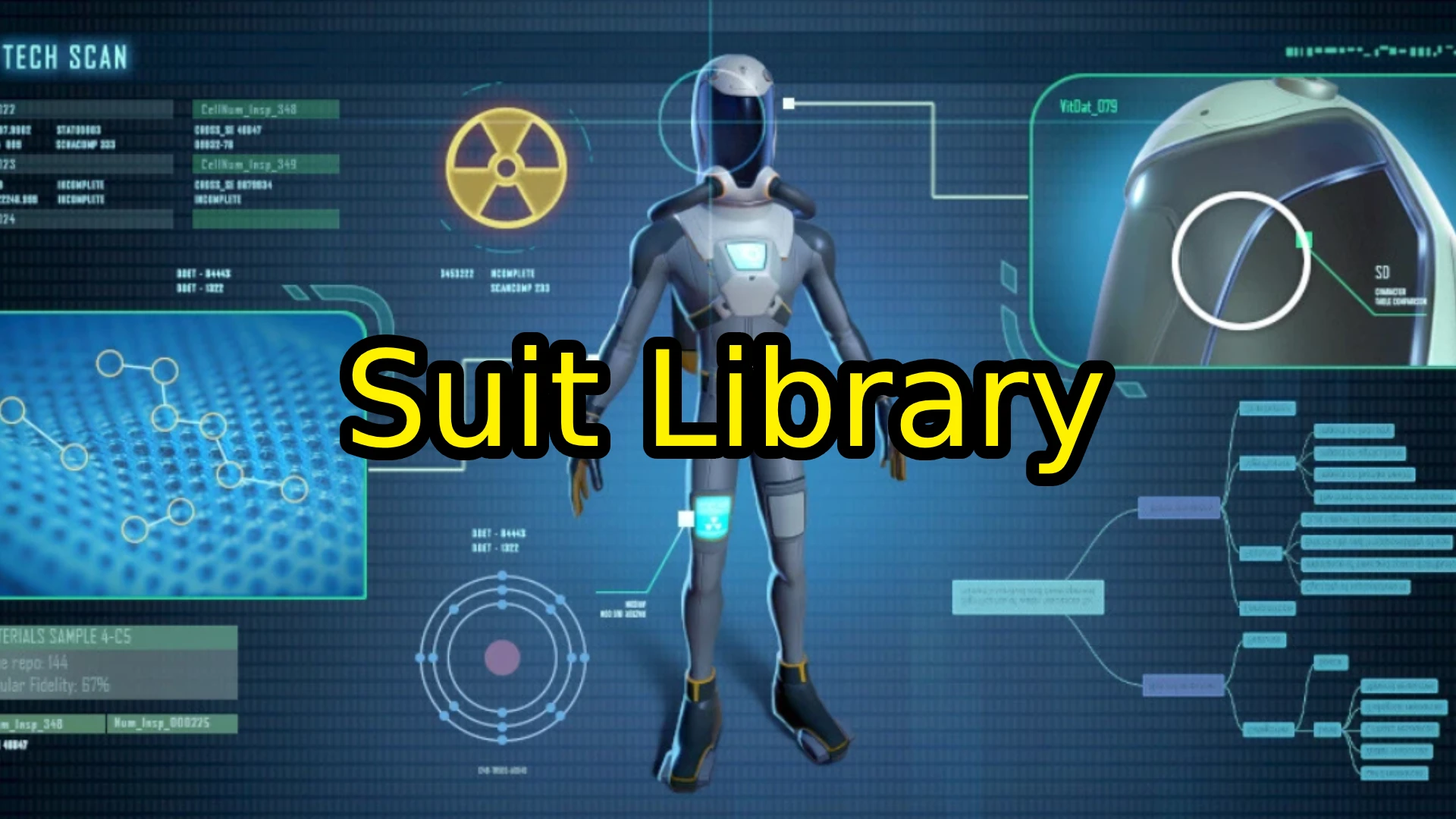
This mod makes it easy for modders to add modded suits that have the correct models on the player. You can also recolor/retexture them easily as well. This can produce suits such as the ones seen in the Warp Stabilization Suit and Reinforced Radiation Suit mods.
Adding Suits via Code
To add a suit you simply need to reference SuitLib's API by adding
using SuitLib.API;
to the top of your file. You can then add your suits (or gloves) by doing:
Dictionary<string, Texture2D> suitKeyValuePairs = new Dictionary<string, Texture2D> { { "_MainTex", mySuitTexture } };
ModdedSuit mySuit = new ModdedSuit(suitKeyValuePairs, ModdedSuitsManager.VanillaModel.Reinforced, Suit_Craftable.techType);
ModdedSuitsManager.AddModdedSuit(mySuit);
All of these values can of course be tweaked to your liking. The library currently only supports the vanilla suit models but may support custom models in the future.
Blocking Cache Initialization
The initialization of the vanilla texture cache for suits can be delayed or reset with suit library. This can be used for mods that want to change the default textures of certain suits.
There are 3 main ways to register a cache hold:
Register an IEnumerator (AKA Coroutine). This can be used for mods that want to perform some async task before the cache is registered. The passed coroutine will be run before continuing to the texture caching.
How to use:private IEnumerator MyCoroutine() { // Yield some stuff here } // ... // Later, in another method, register the hold SuitLib.API.CacheHoldManager.RegisterCacheHold(MyCoroutine);Note: This approach can also accept local and lambdamethods
Register a custom function. This can be used for mods that want to register a hold once and have the passed method control when the hold is finished.
How to use:private bool IsMyHoldDone() { bool holdDone = false; // Do some checks return holdDone; } // Later, in another method, register the hold SuitLib.API.CacheHoldManager.RegisterCacheHold(IsMyHoldDone);Note: This approach can also accept local and lambdamethods
Register a hold owner object. This can be done for mods that don't want to deal with creating a custom method for registering and freeing the hold. It does require an extra call to free the hold, however.
How to use:// Register the caller as the owner SuitLib.API.CacheHoldManager.RegisterCacheHold(this); // ... // Later, free the cache hold. The object passed into this must // be the same as the one used to register the hold! SuitLib.API.CacheHoldManager.FreeCacheHold(this);This method does have one main drawback: You can only register one hold per object. I.e. calling
SuitLib.API.CacheHoldManager.RegisterCacheHold(this);twice in the same class will only register one hold.
Resetting the Texture Cache
As an alternative to cache holds, or for other possible use cases, Suit Library offers the ability to reset the texture cache at any (mostly) time (. It can only be reset when in the main game scene).
To request a cache hold, use:
SuitLib.API.TextureCacheManager.RequestTextureCacheReset();
This will queue a cache reset once all current cache holds are completed. If the cache is currently waiting on holds to initialize, a warning will be printed.
To force a cache hold, use:
SuitLib.API.TextureCacheManager.ForceTextureCacheReset();
However, only use this method if you are sure of what you're doing. It will ignore and clear all current holds, causing other mods that may be using coroutine holds to have their coroutines only partially completed.
Calling Methods via ModMessage
Nautilus provides a ModMessageSystem that allows mods to send messages to each other without directly referencing their DLL.
Suit Library registers message listeners to allow other mods to call its cache hold and cache reset methods in this way.
To use the mod message system to call these methods, you must use:
Nautilus.Utility.ModMessages.ModMessageSystem.Send("SuitLibrary", subject, parameters);
The subject and parameters depend on what method you are trying to call. The subject will always be the name of the method:
"RegisterCacheHold", "FreeCacheHold", "RequestTextureCacheReset", or "ForceTextureCacheReset".
The parameters is an array of objects, but is only required for calls to the RegisterCacheHold and FreeCacheHold methods.
For RegisterCacheHold, you can pass in either a Func<IEnumerator>, Func<bool>, or just a plain object. These correspond to
the overloads of RegisterCacheHold with the same parameters. Note that passing in more or less parameters than 1 will cause the call to be ignored.
For FreeCacheHold, the expected input is a single object that corresponds to a hold registered with that same object earlier in the call stack. Passing in
more or less parameters than 1 will cause the call to be ignored.
Calling RequestTextureCacheReset and ForceTextureCacheReset requires no parameters, and any passed parameters will be ignored.
Adding Suits via JSON
You can also create suits through JSONs. These suits will always be loaded when you are wearing the suit defined in the vanillaModel input.
Here are the vanillaModel numbers:
- Dive Suit (Default suit)
- Radiation Suit
- Reinforced Suit
- Stillsuit (AKA water filtration suit)
Modification numbers:
- Reinforced
- Filtration
- Reinforced & Filtration
(0 is none)
Tutorial for creating JSON suits: https://youtu.be/9YZoy6IrxXE
Links
Join the SN Modding Discord and @gamingforfun for more info
Source code: https://github.com/Indigocoder1/Indigocoder_SubnauticaMods/tree/master/SuitLib
Join the conversation
Log in to join the conversation
Connect with GitHub to post comments and react.
No comments yet — be the first to share your thoughts.
Versions
View All
Project Metadata
48
74
Supported Games

Required Dependencies
For latest release: SuitLib_2.1.0 · inherited from SuitLib_1.1.7