AD3D Light Solution (Subnautica)
openmods.json (add-on-of, dependencies)
link
github.com/AndreaDev3D/SubnauticaModHere you can find all my open-source Subnautica Mods code.
group Developer Links
collections Gallery
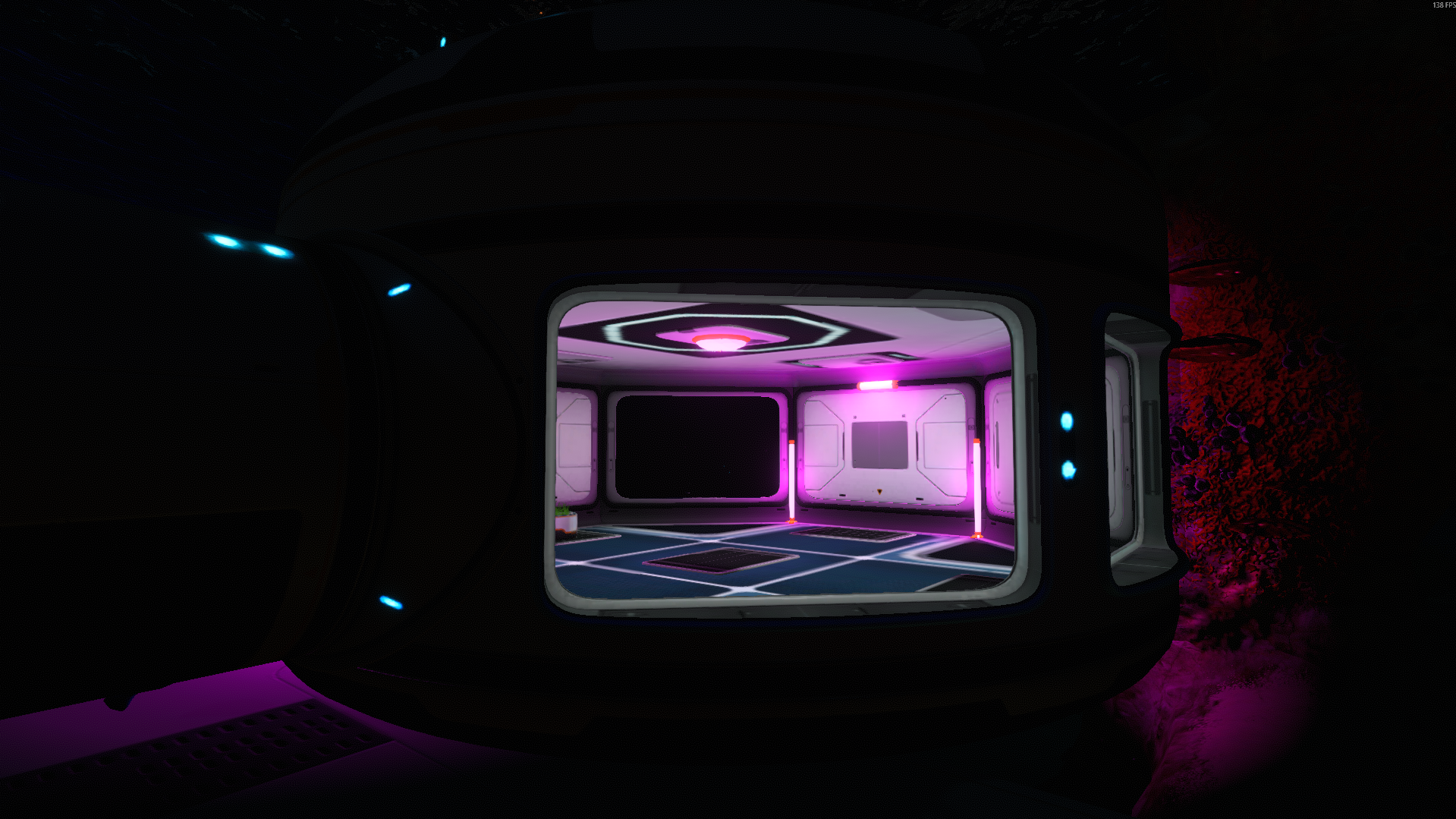
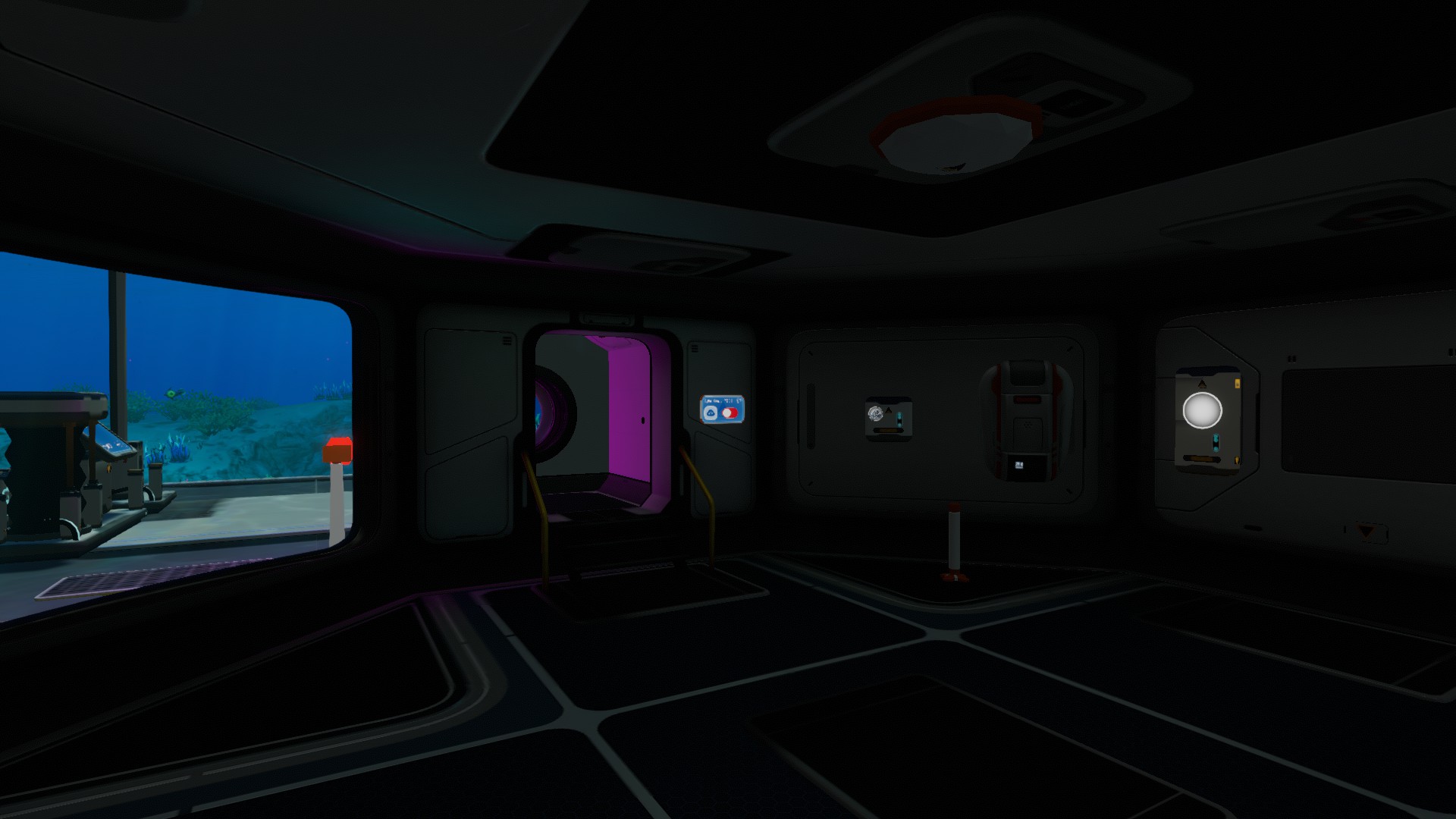
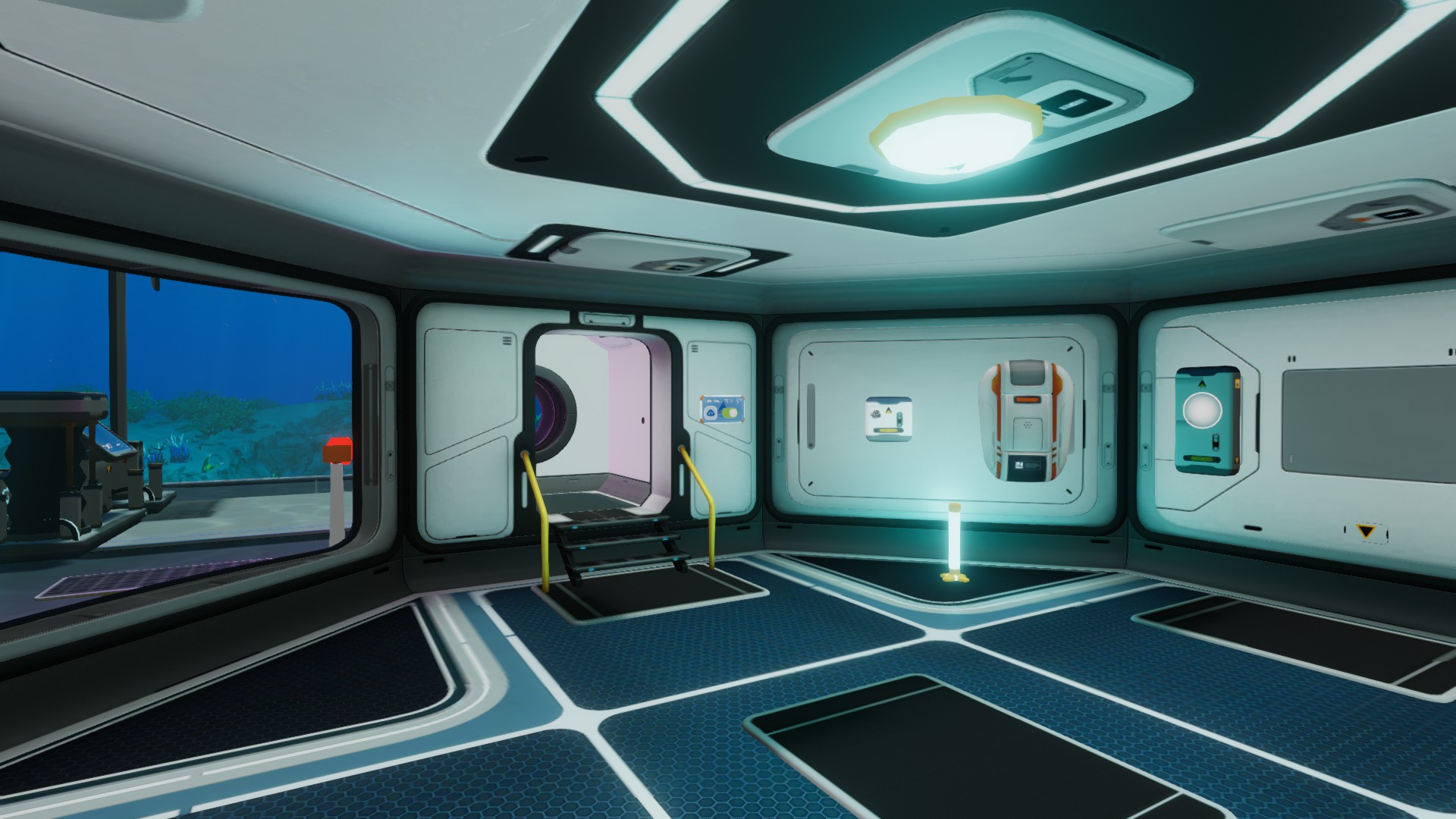
AD3D Light Solution (Subnautica)
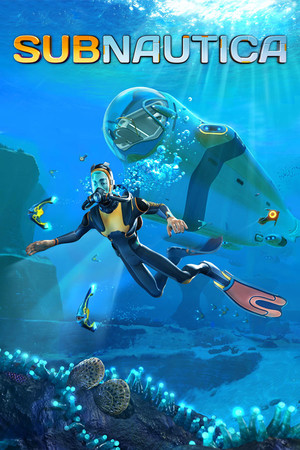
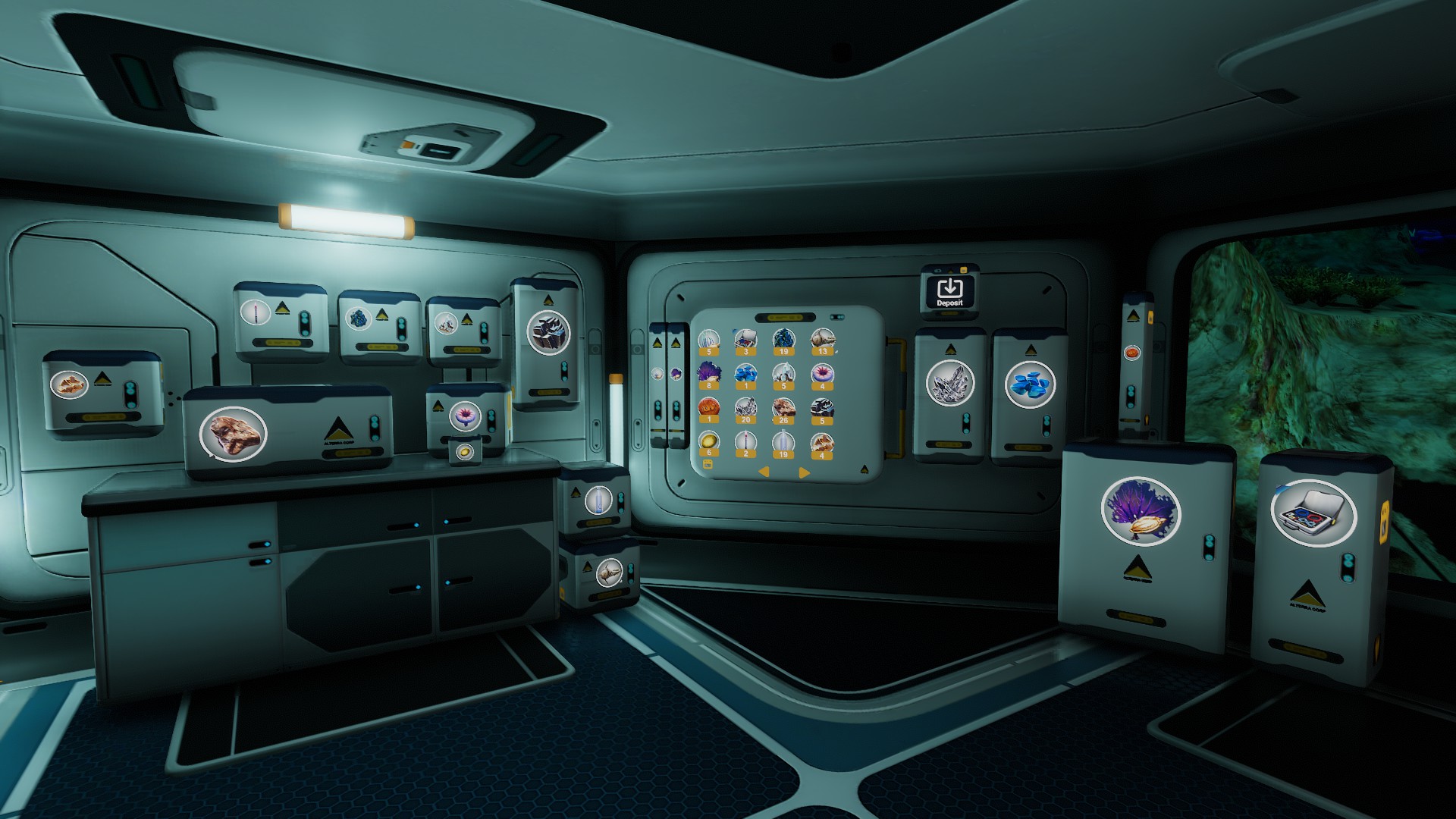
A complete lighting kit for your Subnautica bases and outposts. Adds buildable indoor and outdoor lights plus a centralised Light Switch that lets you toggle every fixture in range and dial in its color and brightness on the fly — no more uniform white glow across every habitat.
Features
- Indoor and outdoor light props that snap to base modules and exterior terrain.
- A
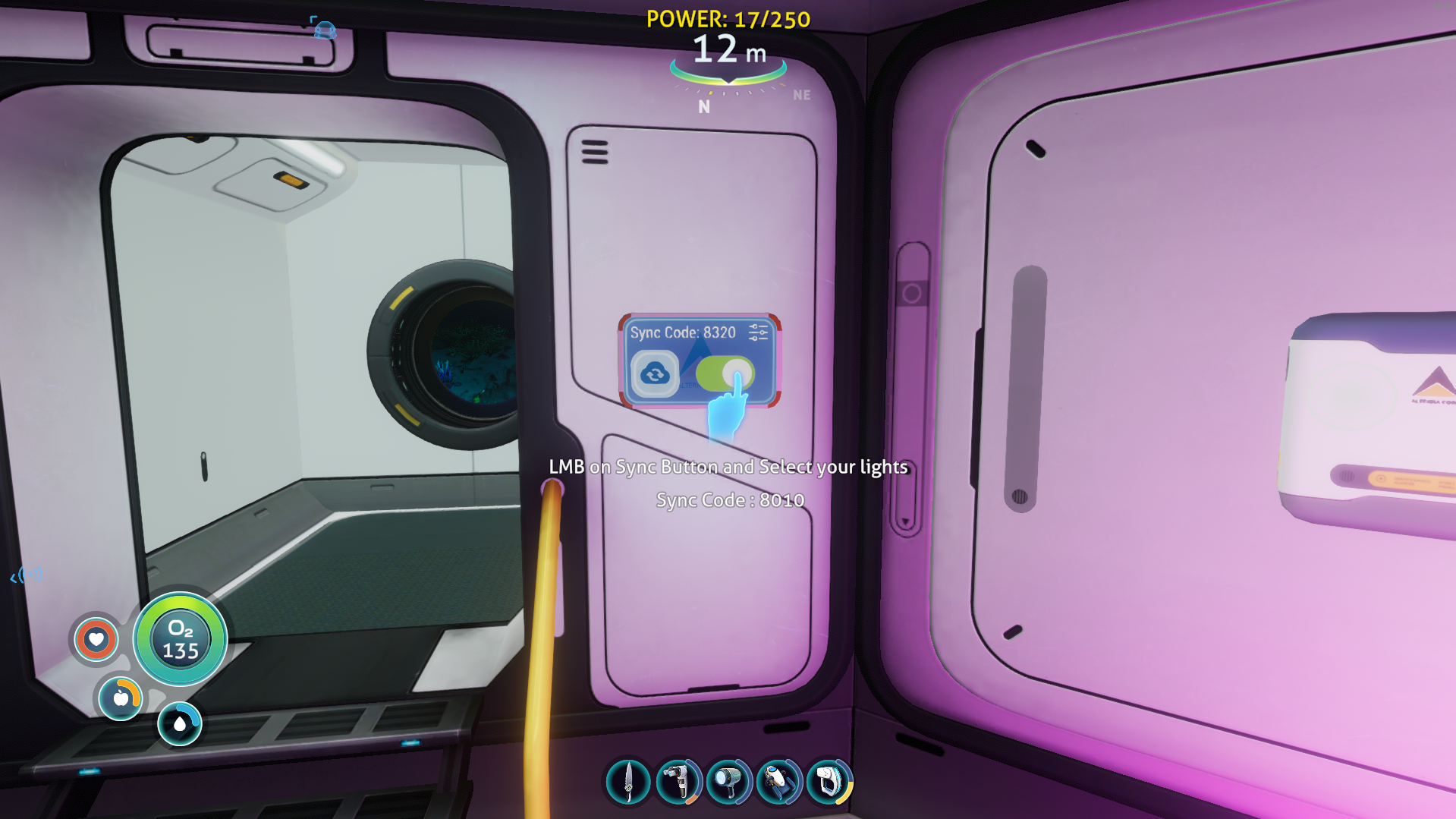
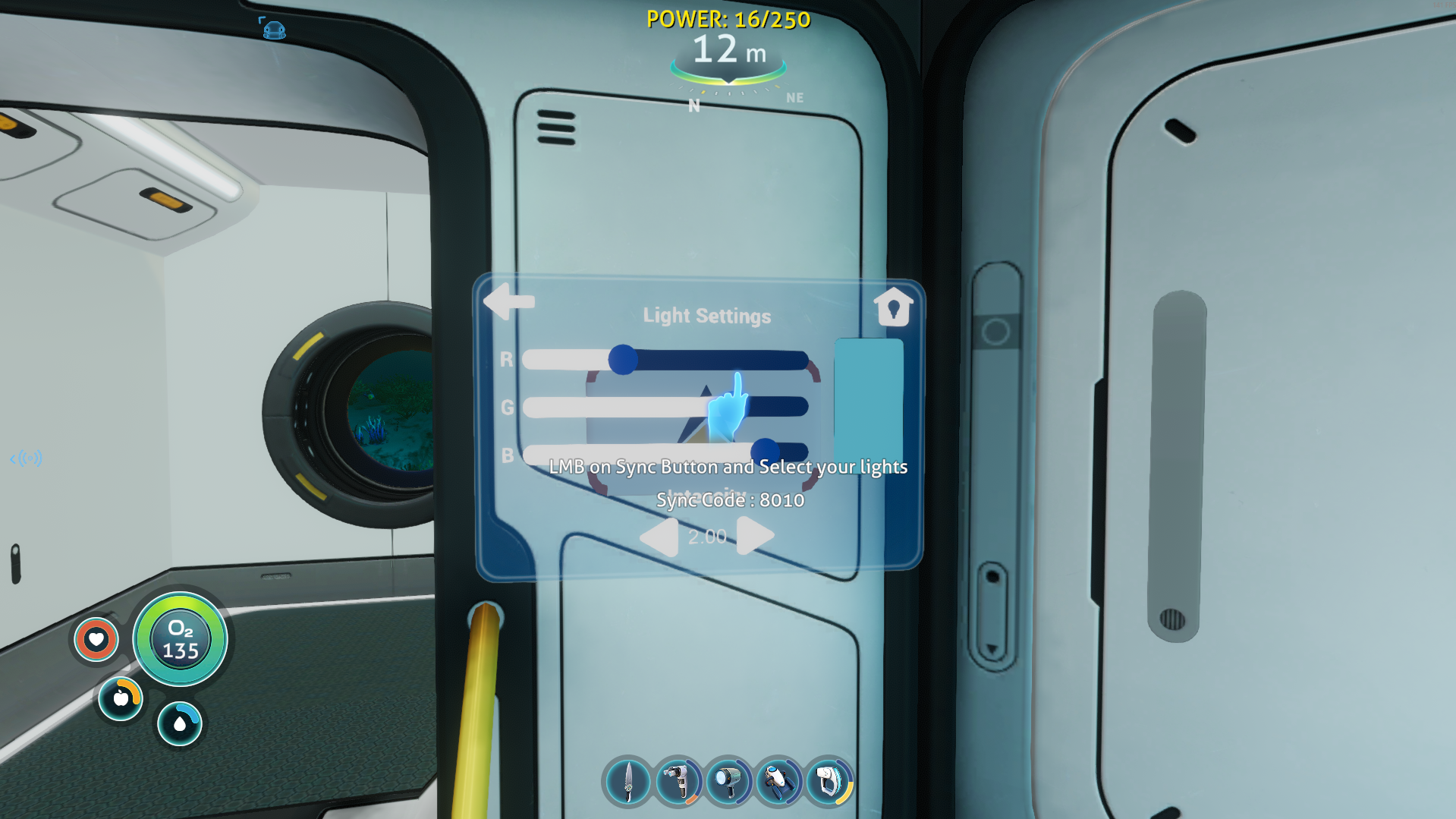
light_switchbuildable that controls every light it can reach. - Adjustable color picker and brightness slider directly from the switch UI.
- Designed for Subnautica (the original game). For Below Zero, use AD3D Light Solution (Below Zero).
Installation
- Install BepInEx and Nautilus if you haven't already.
- Download
AD3D_LightSolution.SN.zipfrom the releases page. - Unzip into your Subnautica
BepInEx/pluginsfolder. The final path should look like:Subnautica/BepInEx/plugins/AD3D_LightSolution.SN/ - Launch the game — the lights and switch appear in the Habitat Builder menu.
Usage
Place a light_switch inside any base or attached to an exterior surface. Any AD3D light built within its range is automatically registered. Open the switch panel to toggle the group, change color, or adjust brightness.
Compatibility
Designed as an add-on for the AD3D base mod (modId 26 on OpenMods) and pairs cleanly with Nautilus-based builds. See the manifest for exact release-pin requirements.
Roadmap
- Toggle for the default base ceiling light.
- Additional light fixture models (spot, accent, emergency strip).
Subnautica
Best of Subnautica
 by AndreaDev3D
This are the mod that are much needed to have the best starting setup
Subnautica
AD3D Subnautica Collection
by AndreaDev3DAll AD3D mods for Subnautica in a nice collection list.
Join the conversation
Log in to join the conversation
Connect with GitHub to post comments and react.
No comments yet — be the first to share your thoughts.